5 best apps for analyzing squat form
These five tools approach squat analysis in different ways: coaching feedback on an uploaded set, manual video review, professional movement screening or velocity measurements. They can help you examine knee alignment, depth and body position, but their outputs and recording requirements differ.
- CueForm: Upload a squat set and get practical feedback for your next session. Your first form check is free.
- FormCheck AI: The original U.S. App Store listing is currently unavailable; features could not be verified.
- SquatScreen: Movement-screening reports for professionals using PostureScreen on Apple devices.
- OnForm: Manual video review and coach communication.
- EliteForm: Velocity-based training equipment for gym facilities.
These apps cater to different needs, from beginners to professionals. Choose based on your goals, budget, and workout setup.
How AI Squat Form Analysis Works
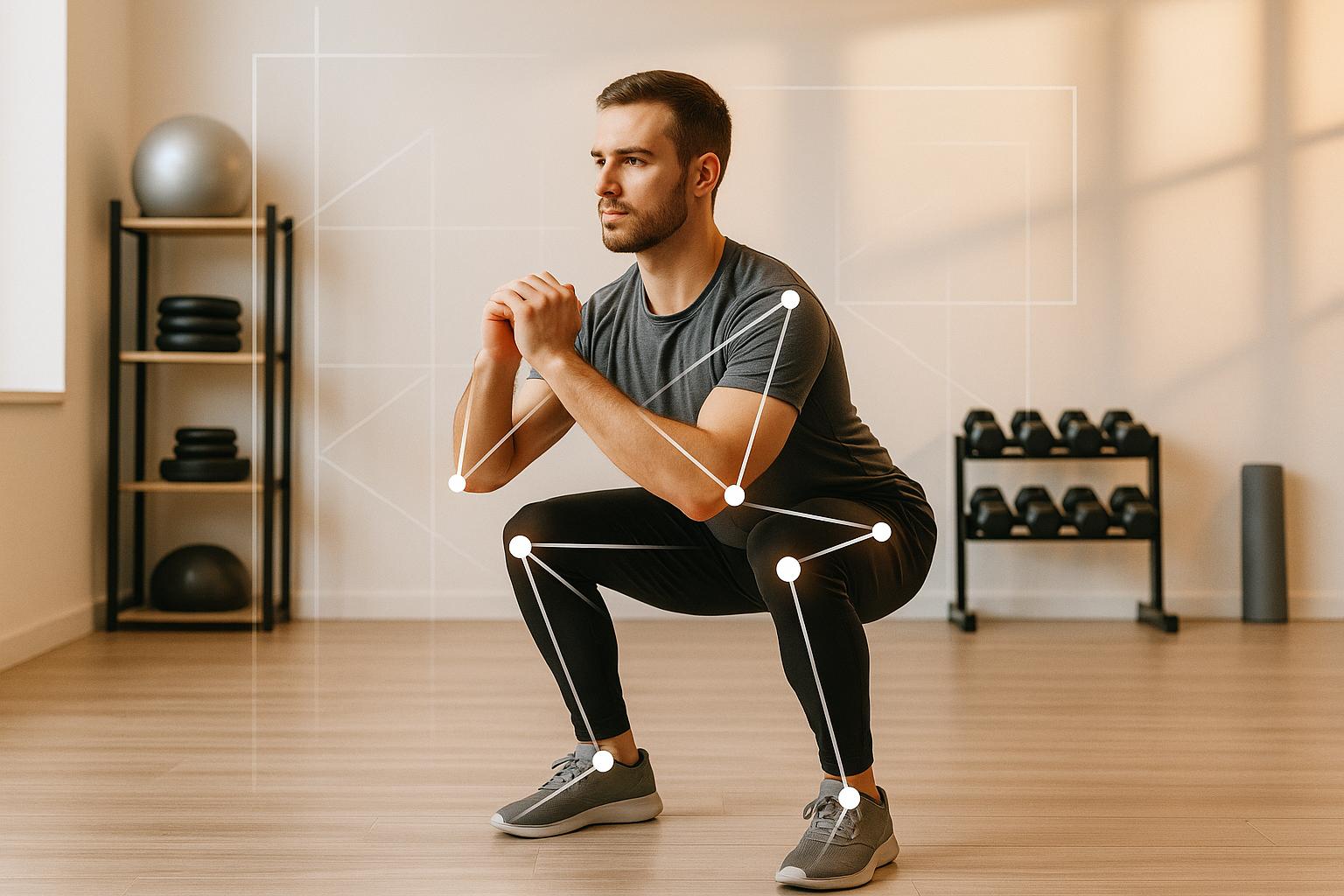
AI squat analysis can use computer vision to estimate body landmarks, such as the hips, knees and ankles, across video frames. Tracking these points can help describe movement through a repetition. The exact method varies by app, and not every tool in this list uses automated pose analysis.
Visible movement can support observations about squat depth, joint positions and consistency between reps. Camera angle, clothing and obscured body parts affect what can be inferred; a two-dimensional video does not provide a complete picture of the body.
Use good lighting and a steady camera around hip height, far enough away to keep your whole body, feet and bar in frame. Follow the chosen app’s recording instructions. For CueForm, upload a recorded set and allow a few minutes for analysis.
1. CueForm AI
CueForm focuses on strength lifts including squats, bench presses, and deadlifts. Upload a recorded set, review what happened, and take one clear cue into your next session.
Squat-Specific Analysis Features
CueForm examines the visible squat set for findings such as inconsistent depth, knee movement and changes in body position. Choose the supported squat option that matches your video and follow the recording guidance; do not assume every squat variation is interchangeable.
Type of Feedback
Upload a video of your set and get feedback you can put to work on the next one. A form check gives you a technique score, your top finding, supporting evidence, and one practical cue. A form report adds the full breakdown and a structured plan.
Pricing and Availability in USD
Your first form check is free. For a deeper breakdown, a form report is a one-time $15 purchase. Four reports for the same lift cost $49. CueForm does not use subscriptions or unlimited plans.
Next, we’ll take a look at another app with a different approach to analyzing squat form.
2. FormCheck AI
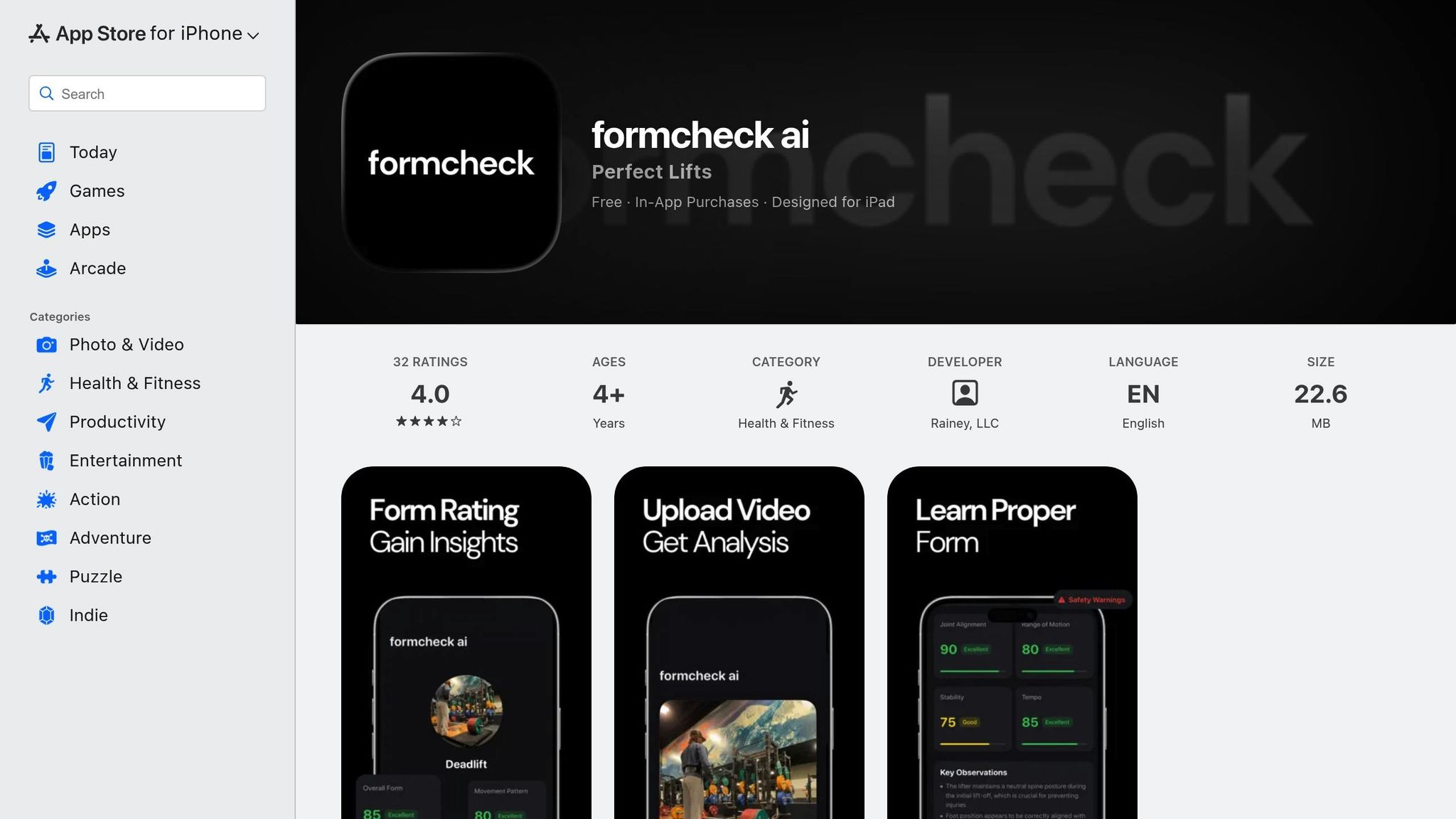
The FormCheck AI listing originally cited here was unavailable in the U.S. App Store when checked on September 14, 2026. We could not verify its current features, device support or price.
Squat-Specific Analysis Features
Current squat-specific features could not be verified for this listing. Other similarly named apps have different developers and should not be used as evidence of its capabilities.
Type of Feedback
We could not verify current feedback delivery for this app. Earlier claims about 33 landmarks, live tempo feedback and more than 30 exercises combined references to different products.
Device Compatibility
Check the exact developer, current device requirements and supported lifts before installing or paying for an app with this name.
3. SquatScreen within PostureScreen
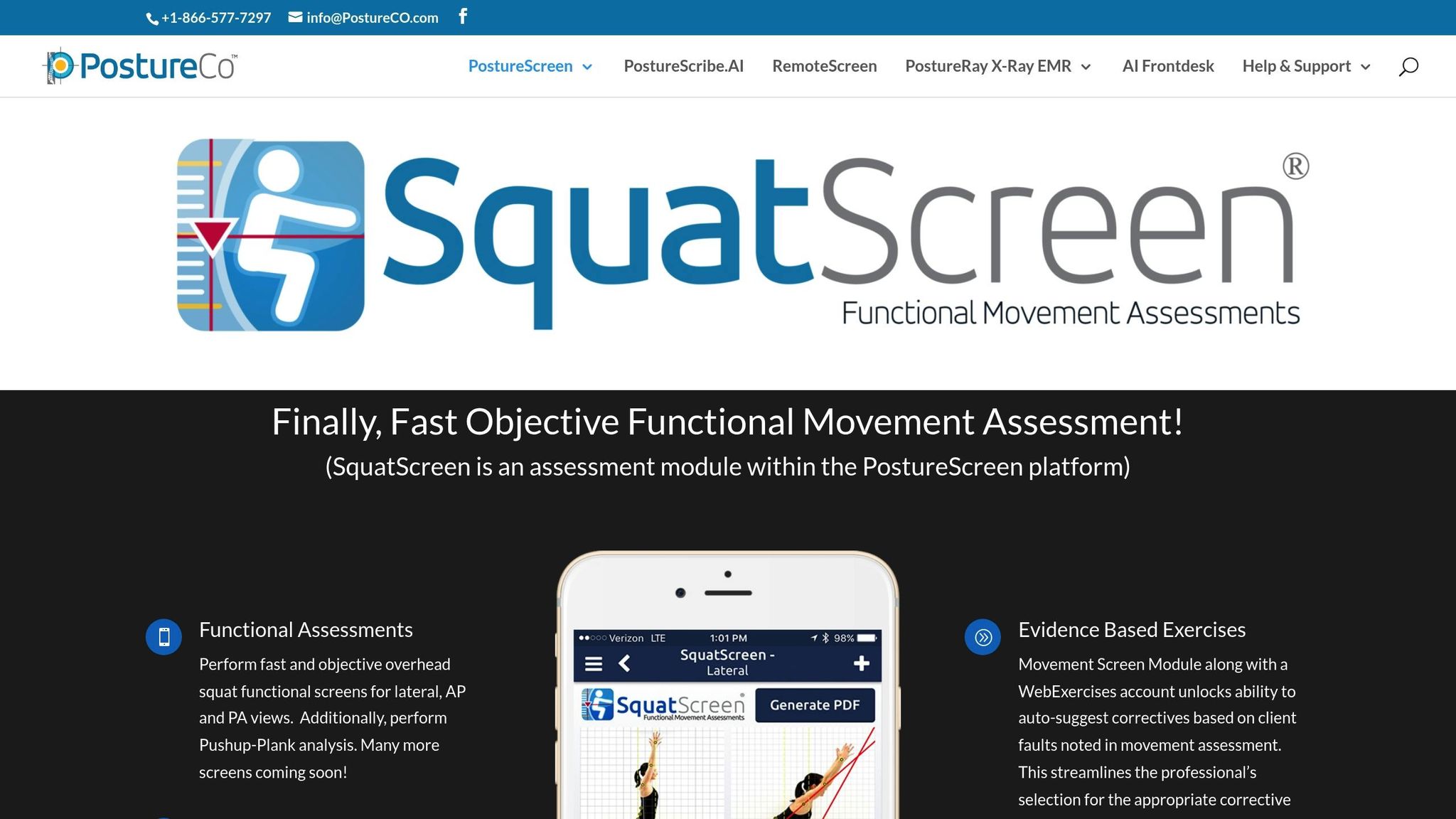
SquatScreen stands out in the world of AI-powered squat analysis by offering a professional-grade tool tailored for healthcare providers. Unlike consumer-focused apps, it delivers detailed assessments specifically designed for clinical use.
Squat-Specific Analysis Features
SquatScreen supports structured movement screens such as overhead squats. A professional reviews and interprets the measurements; the software is not intended to diagnose a condition.
Type of Feedback
Instead of providing real-time coaching, SquatScreen focuses on post-set analysis. After each squat assessment, it generates side-by-side video comparisons and detailed PDF reports. These reports are particularly helpful for tracking progress and are compatible with EHR systems. This makes it an excellent choice for physical therapists, chiropractors, and strength coaches who need to document progress and share findings with other professionals.
Device Compatibility
SquatScreen is offered within PostureScreen for Apple devices. Confirm current hardware requirements and subscription access with PostureCo before choosing it for a professional workflow.
4. OnForm

OnForm blends manual video analysis with coach messaging, making it a practical choice for remote training. Coaches interpret the footage and communicate their feedback to the athlete.
Squat-Specific Analysis Features
Record your squat and use video comparison tools to place sets side by side. A consistent camera angle makes it easier to examine changes in technique over time.
Type of Feedback
Coaches can use drawing tools, comments and voiceovers to explain an adjustment. OnForm’s documented AI models currently cover golf; its squat review uses the manual video and coaching tools.
This makes OnForm a valuable tool for anyone working with a remote coach or trainer. It ensures your form can be reviewed and corrected without the need for in-person sessions, all through the convenience of your mobile device.
Device Compatibility
OnForm is designed for mobile devices equipped with cameras, allowing you to record exercises directly for coach review.
5. EliteForm
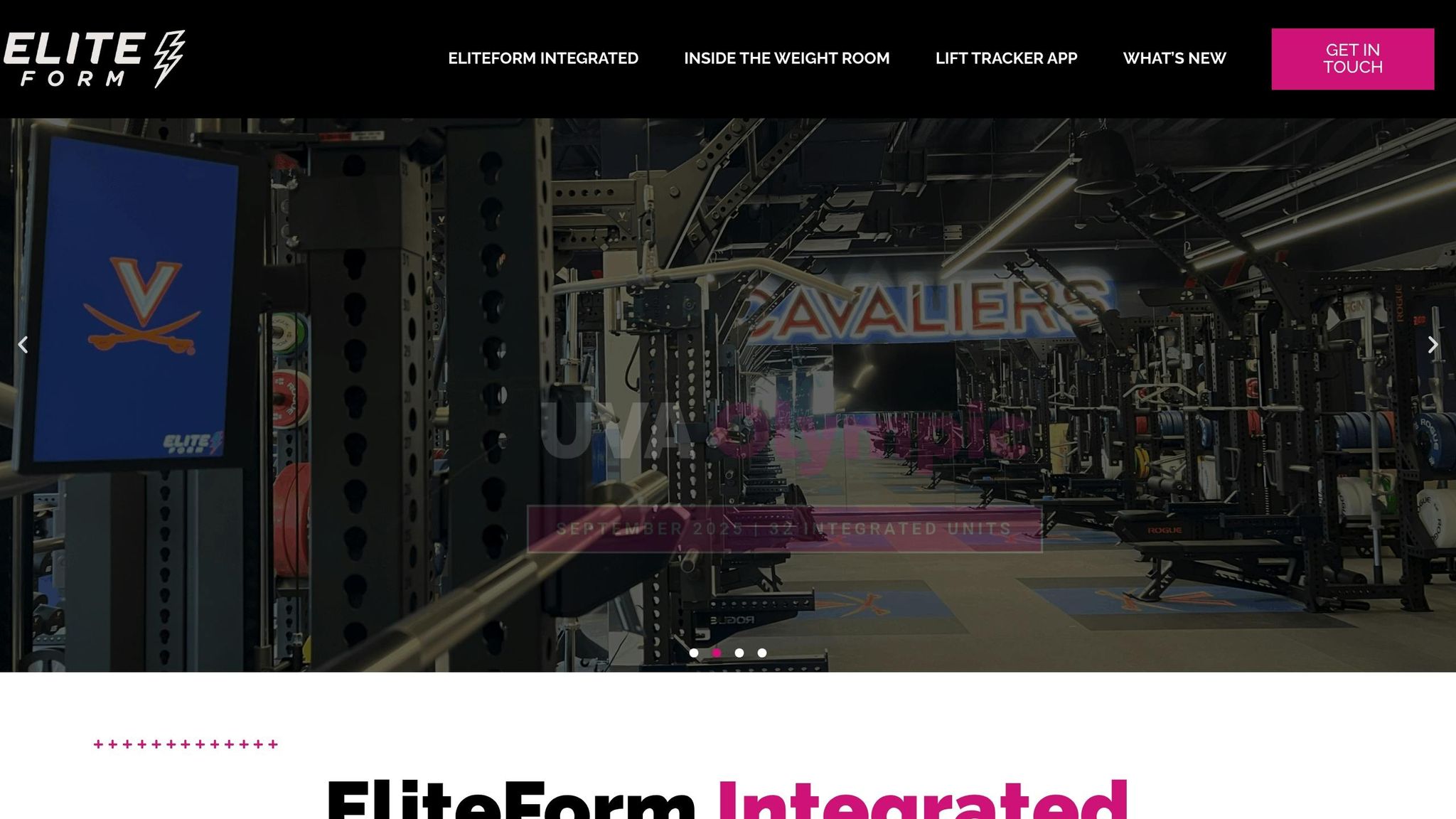
EliteForm utilizes high-speed cameras mounted on training racks to provide detailed squat analysis, making it a valuable tool for strength and performance coaches [6].
Squat-Specific Analysis Features
This system measures key performance metrics like power output, mean velocity, and acceleration for every squat rep. By doing so, it offers insight into speed, power, and overall technique [6].
Type of Feedback
EliteForm’s velocity-based training metrics help coaches review how quickly an athlete moves a load. Velocity feedback is distinct from an automatic explanation of every squat technique issue.
Device Compatibility
EliteForm is a facility-oriented velocity-based training system. Confirm the current equipment and installation requirements with EliteForm; downloading a phone app alone should not be assumed to provide the full setup.
Comparison Table
Here's a quick breakdown of the standout features for each app. This summary highlights the key capabilities of each platform, as mentioned earlier.
| App | Key Squat Analysis Features | Feedback Delivery | Device Requirements | Pricing (USD) |
|---|---|---|---|---|
| CueForm AI | Upload a recorded squat set and get feedback for the next one | Technique score, top finding, supporting evidence, and a practical cue | Browser and recorded video | First form check free; form reports from $15 |
| FormCheck AI | Current squat features unverified. | Original U.S. App Store listing unavailable when checked September 14, 2026. | Check the exact app and developer. | Not available. |
| SquatScreen within PostureScreen | Professional-grade side-by-side video analysis with detailed PDF reports. | Post-set analysis with EHR-compatible clinical documentation. | Apple devices; confirm current requirements. | Not available. |
| OnForm | Manual slow-motion review and video comparison. | Tools for coach–athlete communication with video annotations. | Smartphone or tablet with a camera. | Not available. |
| EliteForm | Measures power output, mean velocity, and acceleration to assess speed, power, and technique. | Real-time velocity-based training metrics. | High-speed cameras installed on training racks. | Not available. |
CueForm AI stands out as a user-friendly option for individual lifters looking for on-the-go squat analysis. OnForm offers a strong suite of video analysis tools combined with coach–athlete communication, ideal for remote training. EliteForm, on the other hand, caters to professional strength coaches, using high-speed camera systems to deliver advanced velocity-based training metrics.
Conclusion
Each tool brings something distinct to the table, making it easier to find the one that suits your specific training goals.
Think about your workout environment, your fitness objectives, and how much you're willing to spend. If you want practical feedback from a recorded squat set, CueForm AI gives you a free first form check and one-time form reports when you want a deeper breakdown.
For professionals who need precise, clinical-level data, SquatScreen within PostureScreen provides detailed reporting. If remote coaching is your focus, OnForm shines with its annotated feedback capabilities. Meanwhile, EliteForm caters to competitive athletes with its advanced performance metrics.
For a home or gym recording, keep your full body and bar visible and the camera steady. Start a free squat form check to get a priority finding and a cue from your own set.
Choose the tool that gives you the kind of feedback you can use in your training.
FAQs
How does AI help improve squat form?
Video analysis can help identify visible patterns in squat depth, body position and movement between reps. Use the feedback to choose one adjustment to practice. The result depends on the recording and the app’s capabilities.
What devices do I need to use squat analysis apps?
Requirements vary. CueForm uses a recorded video uploaded through a browser. OnForm and PostureScreen have their own supported-device lists, while EliteForm requires a facility setup. Check the requirements for the tool you choose.
Can these apps help improve squat technique and prevent injuries?
They can help you review technique, but they cannot guarantee injury prevention or diagnose pain. A form score should not be used as proof that a lift is safe for a particular person.