
5 Best Bench Press Form Apps: Video Feedback and Bar Tracking
The best bench press form app depends on what you want to learn from your video. CueForm provides coaching feedback on an uploaded set; OnForm supports manual review with a coach; Metric and WL Analysis focus on bar movement and training metrics. Here is how the five tools in this comparison differ.
These apps cater to different needs, from AI-driven feedback to detailed video analysis. Choose based on your goals, device compatibility, and budget.
Quick Comparison
| App | Best suited to | What to know before choosing |
|---|---|---|
| CueForm | Coaching feedback on a recorded bench press set | Web; first form check free. Optional $15 form report or $49 form block for four reports on the same lift. |
| FormCheck AI | Previously listed as an AI form-analysis app | The linked U.S. App Store page was unavailable when checked September 14, 2026; current features and pricing could not be verified. |
| OnForm | Slow-motion review, drawing and coach voiceovers | Manual bench press analysis; check features for your device and plan. |
| Metric | Bar velocity and rep metrics | iOS and Android; needs a stable camera and visible circular plates. |
| WL Analysis | Video comparison and barbell movement estimates | Cross-platform; check the current store listing for device support and paid features. |
These are different kinds of tools, so a bar-speed measurement should not be treated as a complete assessment of bench press technique.
1. CueForm AI

AI-Powered Form Feedback
Upload a recorded bench press set to CueForm and add context such as weight, reps and effort. Analysis takes a few minutes. The form check identifies a priority finding, shows supporting evidence and gives you one cue to try in your next session.
Bench press feedback can address visible details such as bar path, chest contact, wrist position and stability. What the video shows matters: an obscured joint or poor camera angle limits what can be assessed.
Video Analysis Tools
Your first form check is free. An optional form report adds more detailed analysis, and follow-up chat lets you ask about the findings. Start with a bench press form check using a clear side view of your set.
Strength Performance Insights
Use the feedback to choose a specific adjustment, then compare a later set filmed from the same angle. Keep load and effort in mind when interpreting changes; one clip does not establish a long-term performance trend.
CueForm charges $15 for a form report or $49 for a form block covering four reports on the same lift. There is no subscription. See current pricing for what each includes.
2. FormCheck AI
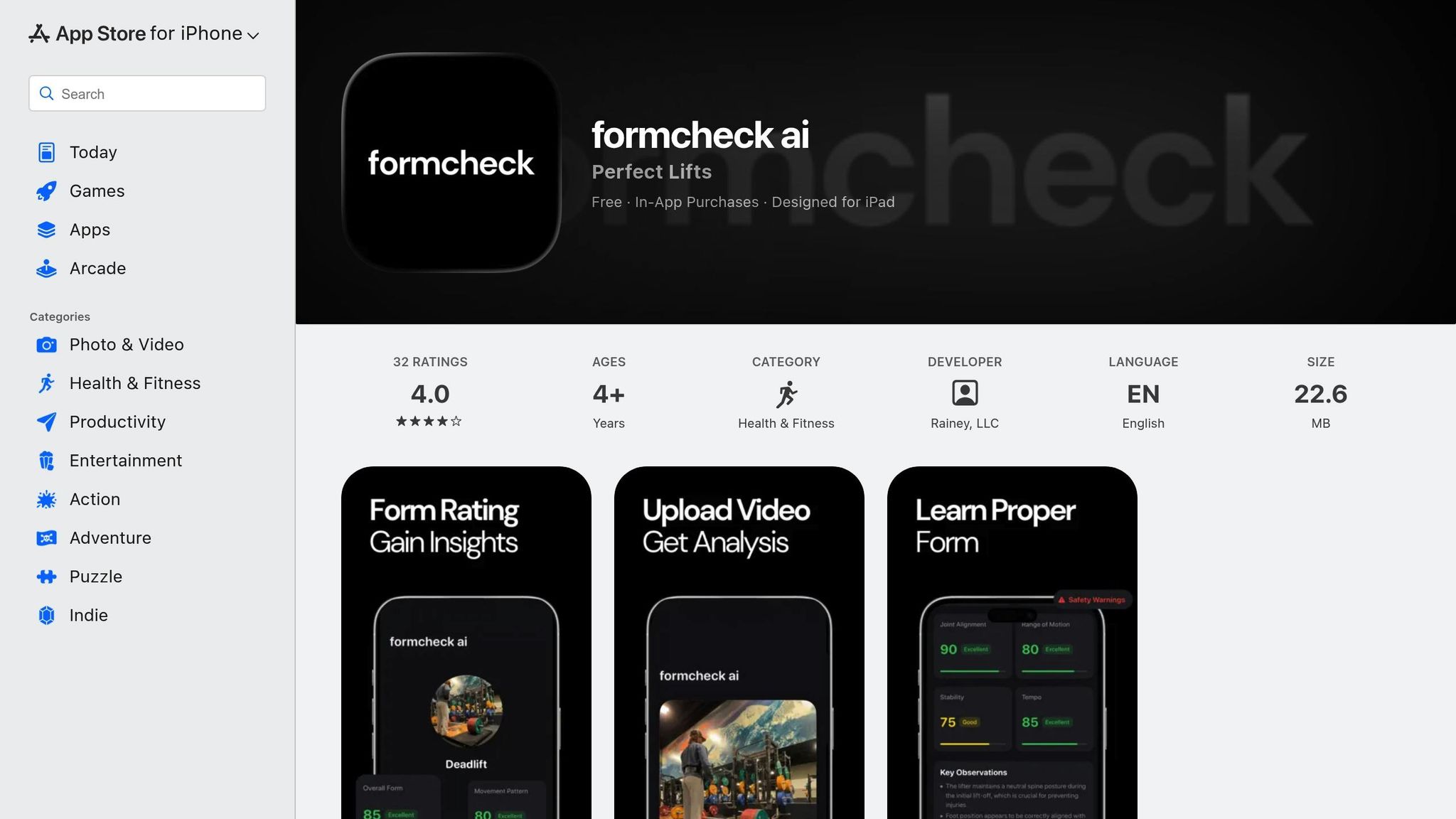
Availability and app identity
The FormCheck AI listing originally cited here was unavailable in the U.S. App Store when checked on September 14, 2026. We could not verify its current features, device support or price.
Several apps use similar names. Check the developer and supported lifts before choosing one; claims about a different app do not establish what this particular product does.
3. OnForm

Video Analysis Tools
OnForm supports video capture and slow-motion review, helping you or a coach inspect bench press movement frame by frame. It is a practical option when you want a person to interpret the footage.
Its video comparison tools help you review changes between sets. Keep the camera angle consistent so differences in perspective do not look like differences in technique.
Drawing tools and voiceovers let a coach highlight positions and explain an adjustment. Features vary by device and plan; consult OnForm’s user guide for the current details.
OnForm’s documented AI models currently cover golf. For bench press, its manual video and coaching tools are the relevant features; do not expect automated bench press corrections.
4. Metric VBT
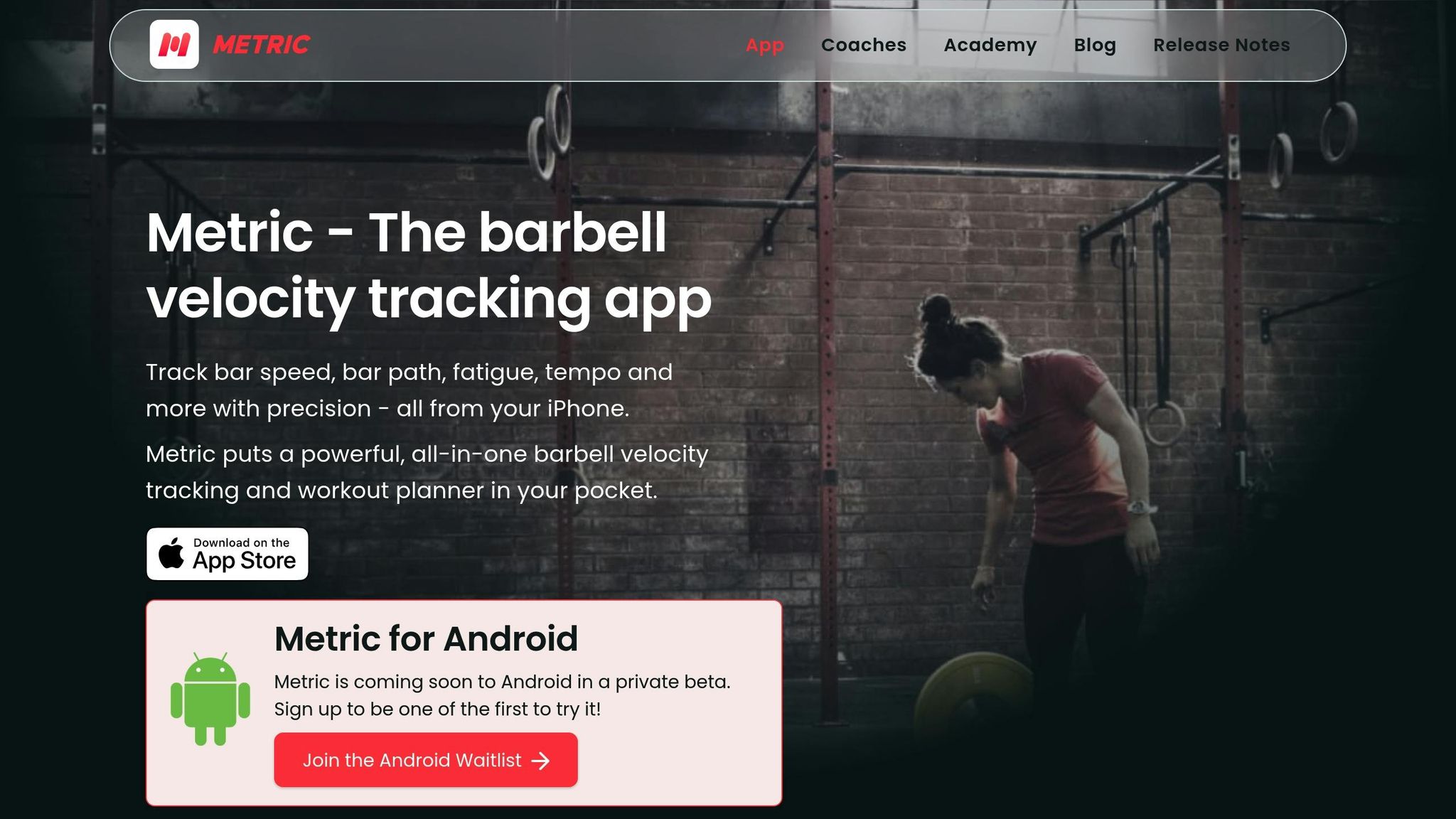
Bar Path Tracking
Metric uses your phone’s camera to track visible weight plates and calculate rep metrics, including bar speed. This is useful for velocity-based training, where movement speed helps inform loading and effort decisions.
Use a stable camera, good lighting and a side view that keeps the circular plates in frame throughout the set. Follow Metric’s recording guidance; camera movement or obscured plates can undermine the measurements.
Strength Performance Insights
After a set, review bar speed, range of motion and rep data alongside the weight lifted. These measurements can help you compare sets, but they do not explain every change in shoulder position, chest contact or body stability.
Metric is available for iOS and Android. Check its supported-device requirements before relying on a particular phone for recording.
5. WL Analysis
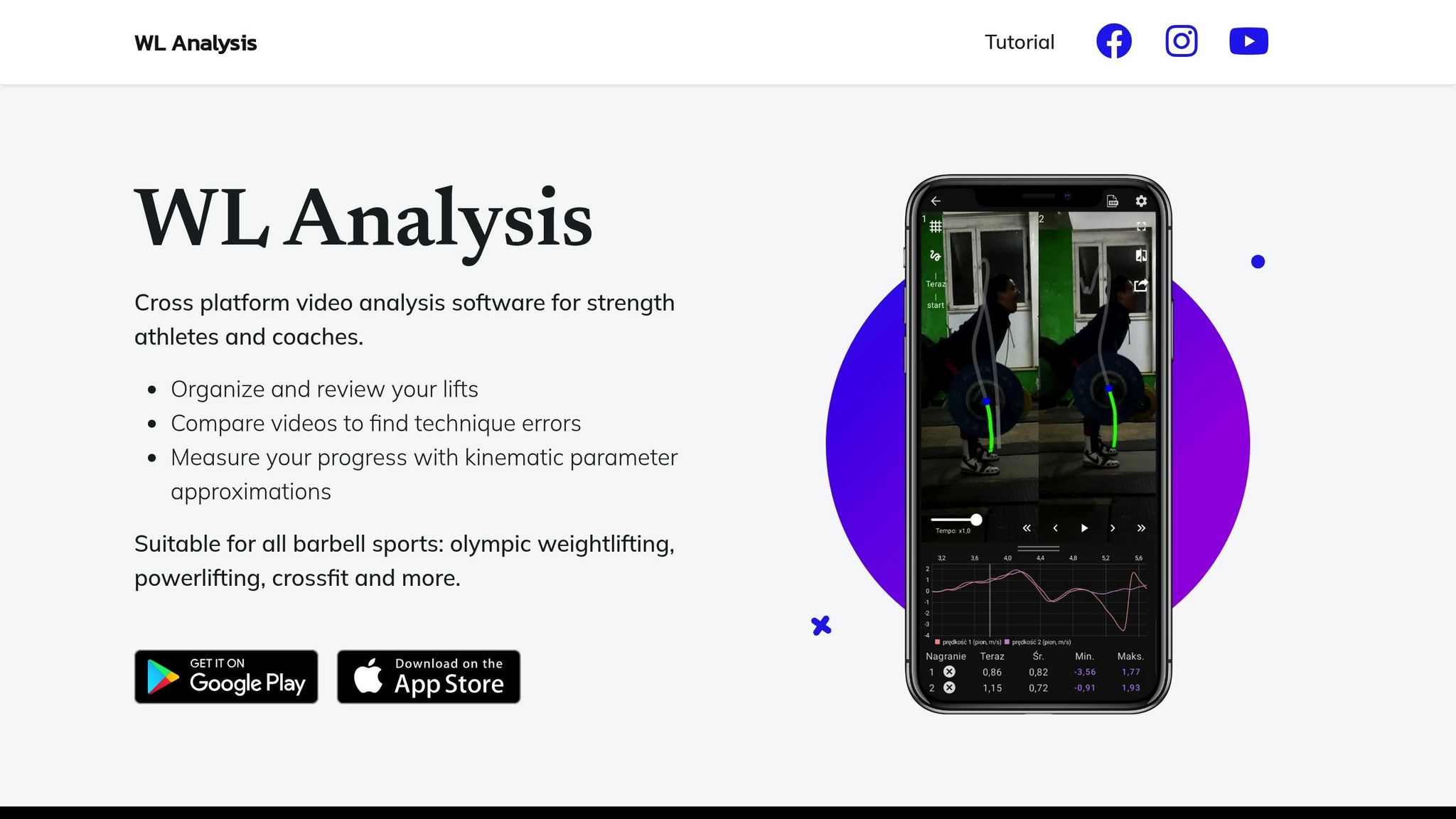
Video Analysis Tools
WL Analysis is a video-analysis tool for strength athletes and coaches. It lets you organize and review lifts and compare videos to look for changes in technique.
Bar Path Tracking
Its movement measurements are kinematic estimates. Use them alongside the footage rather than treating a chart as a complete coaching judgment. The WL Analysis website describes support for barbell sports including powerlifting and Olympic weightlifting.
Check the current app-store listing for supported devices, pricing and export options. Store prices and ratings change, so they are not used to rank the apps here.
Conclusion
Choose coaching feedback when your main question is what to adjust in your bench press. Choose manual video tools when you or your coach want to examine the footage directly, and velocity tracking when bar speed is the measurement you need.
Film from the side at roughly bench height, keeping the bar, chest, hips and feet visible. Keep your phone clear of the rack and spotter. Review the result after the set rather than dividing your attention while lifting.
To get a specific next step from your own video, start a free bench press form check.
Ultimately, your choice should depend on your budget, experience level, and specific goals. Whether you're a beginner focusing on the basics or an advanced lifter fine-tuning your speed and power, there's an app tailored to your needs.
FAQs
Can a bench press app prevent injuries?
A video app can help you examine technique, but it cannot guarantee injury prevention or diagnose pain. Feedback depends on the footage and the tool’s capabilities. Pain needs individual assessment, not a form score.
What should I look for in a bench press analysis app?
Start with the output you need: coaching feedback, manual video review or bar-speed data. Check bench press support, camera requirements, privacy terms, device compatibility and the current price before uploading.
What devices do I need?
For CueForm, use a device that records a clear video and a browser with an internet connection to upload it. Processing takes a few minutes. Other apps have their own device requirements; consult their current documentation.